The ArcMap Catalog Window
The ArcMap catalog window can be made visible by selecting "Windows -> Catalog" from the ArcMap menu bar:
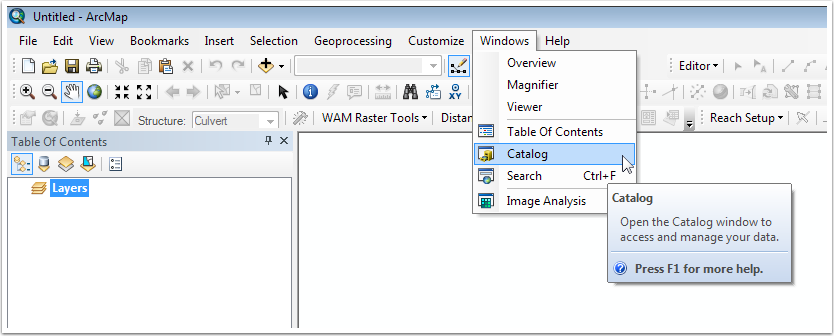
This will open the Catalog window, which floats over the main ArcMap window. Note that the Catalog window can be docked to any side of the ArcMap window, and then "pinned" to remain open, or allowed to close when not in use.
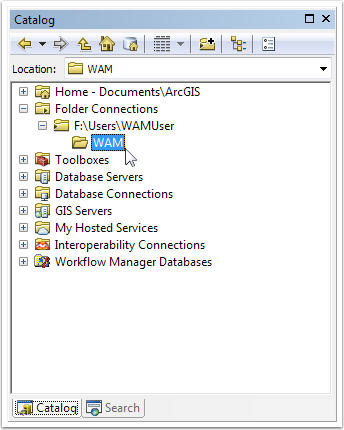
Note that a WAM project cannot be created in a "folder connection" (folders containing the small black triangle on the left side of the folder). However, a WAM project can be created in any other folder type. In the following sections, creation of WAM projects and scenarios are discussed.