Overview
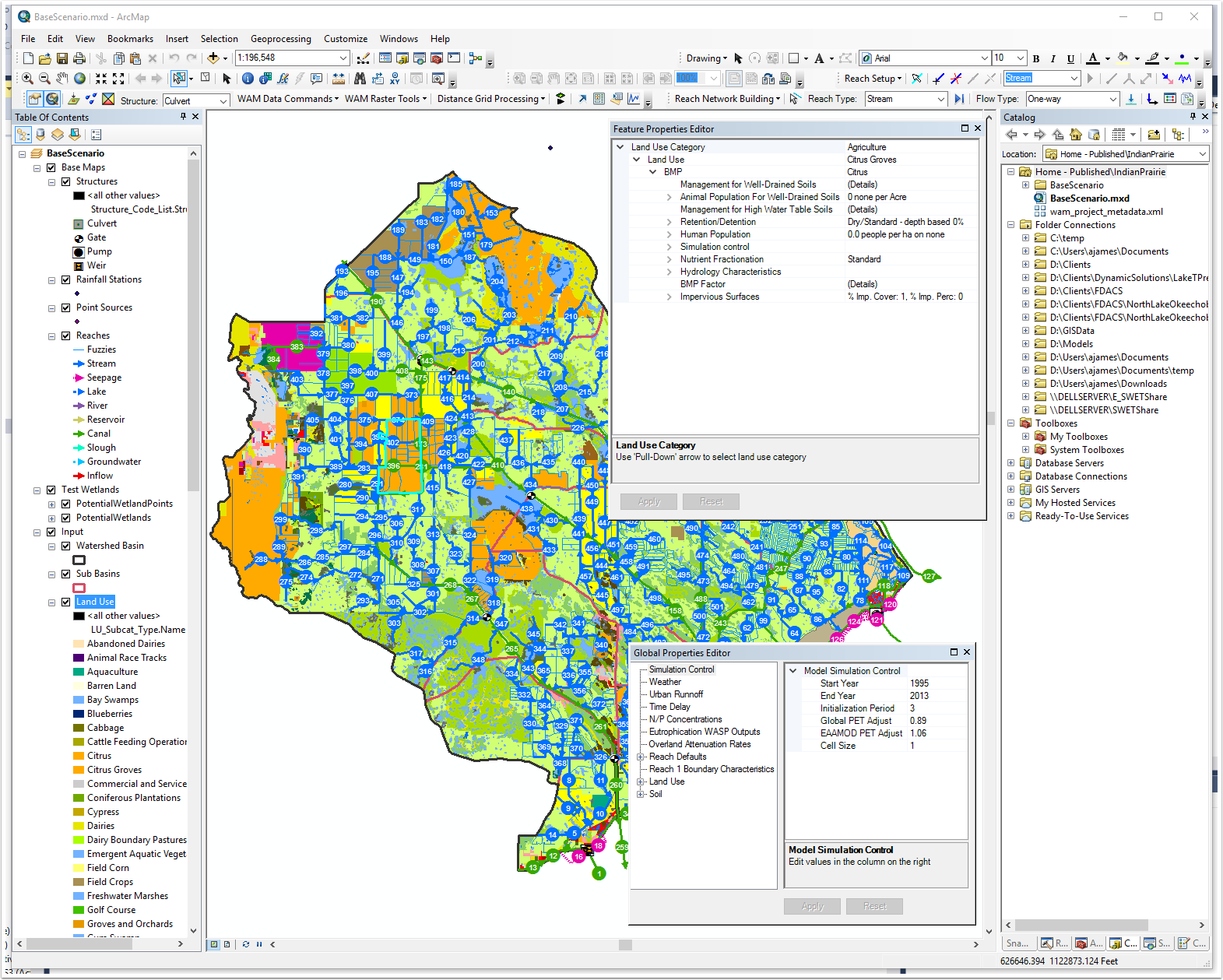
The WAM GUI is composed of numerous stand alone components that are designed to work independently of each other. This section of the User Manual provides details on the following GUI components:
WAM Toolbar
The WAM Toolbar is the primary point of access to the interface.
WAM Catalog Functions
The ArcMap catalog window with the WAM Catalog Extension enabled is used to control and track projects, scenarios and data created for WAM and outputs created through running WAM simulations. This extends the basic functionality of the ArcMap catalog hierarchical system to create projects and individual scenarios which are contained within projects. Scenarios contain all the input, intermediate and output data for a WAM simulation.
WAM Database and File Structure
The WAM folder structure is managed within the ArcMap catalog window. From each scenario the creation of the WAM GIS Geodatabase can be accomplished. , setting up the land use and soils feature classes, and importing other GIS datasets is accomplished from the WAM scenario in the catalog window.
Scenario Layers in the ArcMap Table of Contents
When a scenario is loaded into ArcMap using the WAM Catalog functions, data contained within the databases within the scenario are loaded into the ArcMap table of contents (TOC). This data includes the necessary geospatial data for WAM, as well as several standalone tables.
Property Editors
The Global and Feature Properties Editors are used to edit the many WAM input dataset parameters. They provide the interface link between the user and the table's database.
Reach Processing Toolbar
The Reach Processing Toolbar is used to setup the reach feature class for use in WAM. It is the control panel which develops the model reach network connectivity and defines reach types which provides the information needed by the interface to populate the related tables with information required by WAM.
Output Review
The GUI provides several options for reviewing and comparing model outputs.